
WEB DEVELOPMENT · URL CURRENTLY UNAVAILABLE
GitHub Pages Website
GitHub Pages root website supplied by Raju. The URL currently returns “Site not found”; its original title and content cannot yet be verified.

- The supplied URL currently returns HTTP 404.
- Project details will need verification when the website is available.
GitHub Pages · Static web hosting
Open live preview ↗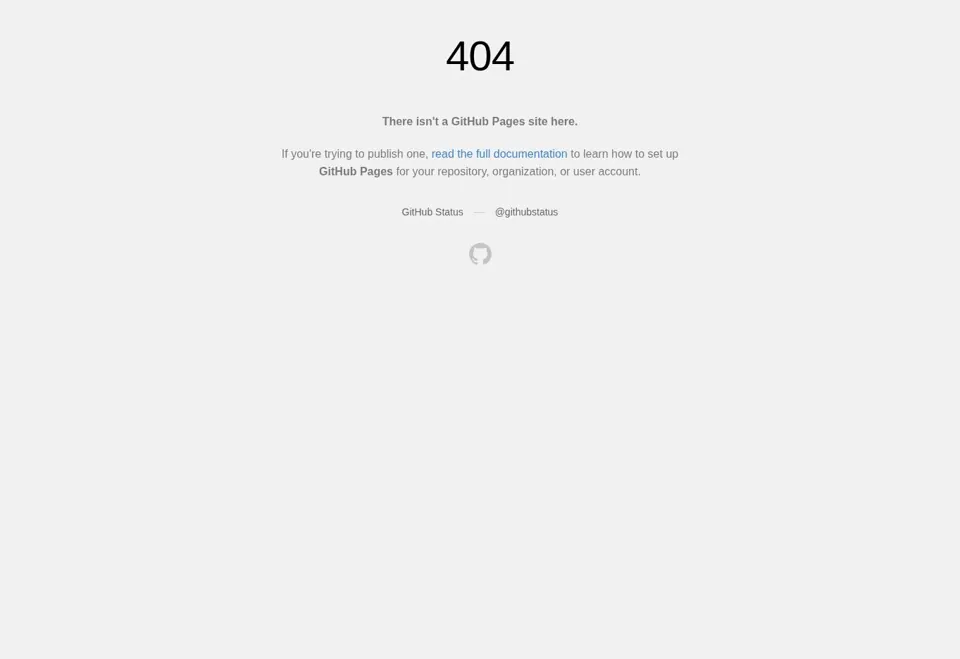
The supplied root URL currently shows GitHub Pages “Site not found”. A project title and features cannot yet be verified.
02 / A CLOSER LOOK
Read the evidence in context
A project description, a public website and a source repository each answer a different question. The description explains the problem and contribution; a website shows its current public experience; a repository exposes the code that has actually been published. A screenshot is a captured view, while a conceptual illustration explains an idea. Those distinctions remain visible throughout this portfolio.
Performance figures belong to the employer, product and time period where they were documented. A platform user count should not be read as a personal customer count, and a result from one application should not be transferred to another case study. When a detail is unavailable, a discussion can establish what can be demonstrated without exposing confidential accounts, customer records or credentials.
03 / A CLOSER LOOK
Deployment connects code to an operating site
A successful build is one part of a release. The deployed application also depends on domain routing, HTTPS, environment configuration and any database or external service it uses. A release review should check the published URL and the important journeys, rather than relying only on a local screen or a compilation result.
Configuration values and secrets should remain separate from public content and source examples. A change needs a reviewable version and a way to understand what was published if a regression is reported later. The portfolio documents practical hosting, domain and deployment experience. The details of an individual client’s hosting account, backup arrangement or support agreement must be confirmed directly rather than inferred from this general capability description.
04 / A CLOSER LOOK
Discovery starts with accessible content
A public page needs an accessible response, readable content and links that explain where it belongs. Titles and descriptions should describe the page accurately, while canonical URLs help express the preferred address. A sitemap lists useful discovery targets; it is not a guarantee that every listed page will be indexed or ranked for a particular query.
The portfolio uses dedicated topic and project pages so that a visitor can find a focused explanation without reading the entire homepage. Content should answer the subject in ordinary language rather than repeat a list of keywords. Search Console can show whether Google fetched a URL, but fetching, processing a sitemap and indexing a page are different outcomes. Review each result on its own evidence before describing an SEO change as complete.
05 / A CLOSER LOOK
Design an interface around its task
A useful interface makes the next action understandable. Labels should explain the information being requested, navigation should match the user’s context and a screen should show whether information is loading, empty, saved or unavailable. A responsive layout also needs to preserve the order and meaning of content rather than merely shrinking a desktop view.
Frontend work connects these states to real backend behaviour. A form should display validation next to the relevant field, a list should make filtering understandable and a destructive action should explain its consequence. Keyboard focus and touch target sizes affect whether someone can complete the journey comfortably. The portfolio lists JavaScript, React, Vue.js and Laravel Blade as part of the toolkit; the right interface approach depends on the surrounding product.
06 / A CLOSER LOOK
Readable and accessible by default
Accessibility starts with ordinary design choices: readable text, meaningful headings, descriptive links, visible focus and controls that can be reached without a mouse. Images need useful alternative text when they communicate information. Decorative imagery should not repeat information that the surrounding text already explains.
A long page benefits from an overview, clear section headings and links that let visitors move to the material they need. On a small screen, navigation must remain available without covering the content or forcing horizontal scrolling. These considerations improve a recruiter’s quick review as well as a visitor’s detailed reading. Testing should include the actual rendered layout, since correct-looking markup alone does not show whether a control is visible or comfortably usable.
08 / A CLOSER LOOK
Turn a page into a useful conversation
If this subject relates to your requirement, describe the closest example and the part that differs in your own application. An enquiry about an API might include its current consumers and expected response; an enquiry about a dashboard might describe the records a role should see. A recruiter can point to a project or responsibility they would like to discuss in more detail.
You can contact Raju by the email, phone or WhatsApp links published on the portfolio, or use the enquiry form. Include the role or project type, preferred working arrangement and any important timing constraint. A clear first message makes the next discussion more focused. Availability, price, ownership and delivery arrangements are agreed for the specific opportunity rather than assumed from a general service page.