SpeakMint
SpeakMint combines live AI voice conversations, interview practice, structured LMS courses and Razorpay subscriptions.
LIVE SITE
Live preview loads when this card comes into view.
 growwith raju
Selected work
A selection of systems, workflows and integrations from my portfolio. Each project page explains its focus and the technologies involved.

SpeakMint combines live AI voice conversations, interview practice, structured LMS courses and Razorpay subscriptions.
Live preview loads when this card comes into view.
Emishopco is a lending workflow project with loan processing, automated EMI management, Razorpay and reporting.
Live preview loads when this card comes into view.
OpsPulse CRM project for client management, sales tracking, support workflows, REST integrations and reporting.
A public demo URL is not available for this project.
Growithraju EdTech project with courses, internships, online assessments, secure APIs, Redis caching and payment features.
The supplied website currently returns 404. Open the website to check its current status.
Panatomics connects agency CRM, projects, tasks, invoices and service pricing through a secure admin workspace and persistent D1 storage.
Live preview loads when this card comes into view.
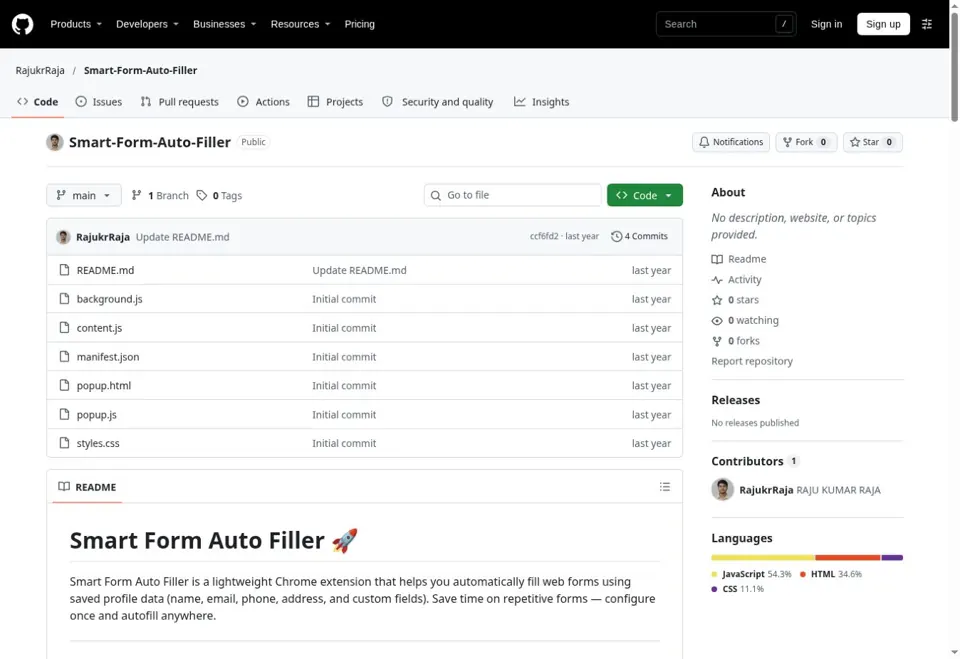
Chrome extension for saving profile fields and filling common web forms.
Actual repository capture. GitHub blocks embedding; no hosted extension demo is published.
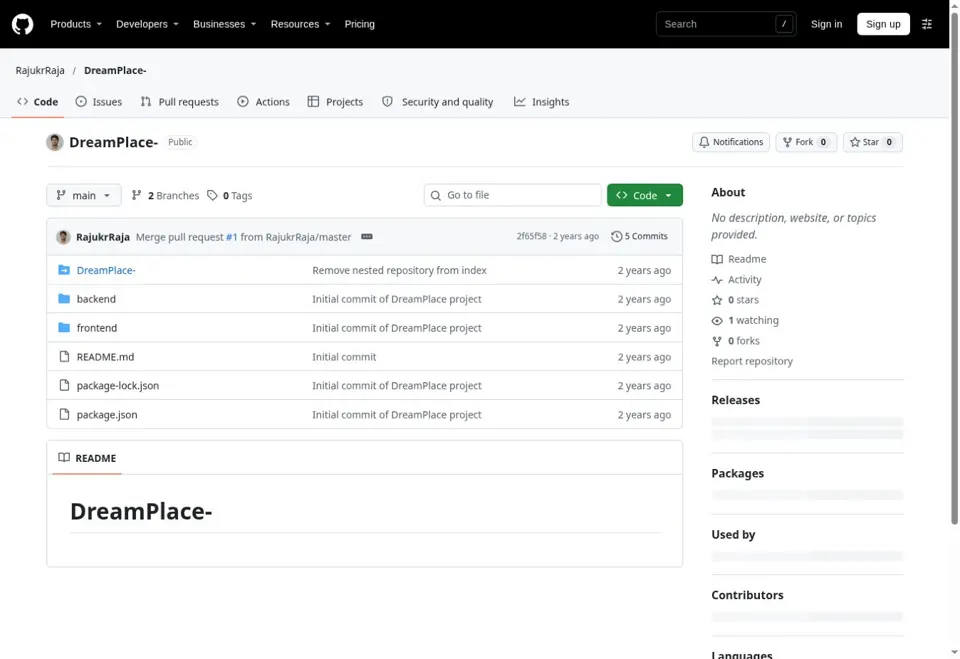
CSS-focused public web design project exploring layout and styling.
Actual repository capture. GitHub blocks embedding; no hosted demo is published.
An online storefront for study resources, with category browsing, product discovery and cart and account entry points.
Live preview loads when this card comes into view.
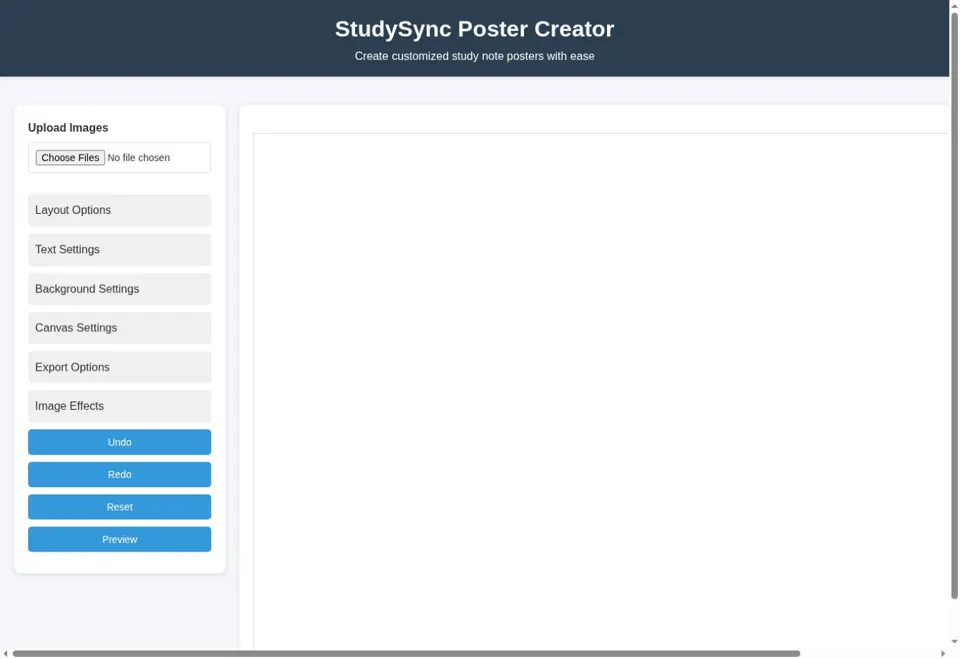
Create study-note posters with uploaded images, layout controls, text and background settings, image effects and export options.
Live preview loads when this card comes into view.
GitHub Pages root website supplied by Raju. The URL currently returns “Site not found”; its original title and content cannot yet be verified.
The supplied root URL currently shows GitHub Pages “Site not found”. A project title and features cannot yet be verified.
02 / A CLOSER LOOK
A project description, a public website and a source repository each answer a different question. The description explains the problem and contribution; a website shows its current public experience; a repository exposes the code that has actually been published. A screenshot is a captured view, while a conceptual illustration explains an idea. Those distinctions remain visible throughout this portfolio.
Performance figures belong to the employer, product and time period where they were documented. A platform user count should not be read as a personal customer count, and a result from one application should not be transferred to another case study. When a detail is unavailable, a discussion can establish what can be demonstrated without exposing confidential accounts, customer records or credentials.
03 / A CLOSER LOOK
A backend connects a user action to the rules that determine what is allowed and what should be saved. For a CRM record, that might include the required fields, the permitted status changes and the organisation that owns the record. For a learning application it may include enrolment, access and the relationship between a lesson and recorded progress.
Separating request handling from reusable application logic makes those decisions easier to understand and review. Validation should explain why input cannot be accepted, while authorisation decides whether the current user may perform the action at all. A practical backend discussion therefore starts with examples of the business process and the existing data model, rather than choosing a framework before the workflow is understood.
04 / A CLOSER LOOK
A learning platform needs to connect content to the person using it. Courses, lessons, assessments and progress records represent different parts of that journey. A clear model defines what counts as completion, what happens on a repeat visit and how access relates to enrolment or a subscription where those features are present.
Feedback should help a learner understand the next step rather than simply display a percentage. For an interview-practice or voice feature, the distinction between starting a session, receiving a response and recording an outcome should remain clear. The SpeakMint and Growithraju pages list their documented features separately. This explanation does not imply that a feature from one learning product exists in every other education-related project.
05 / A CLOSER LOOK
A shopping interface helps someone discover a category, compare an item and understand what happens next. Product descriptions, cart entry points and account navigation should agree about the item and the state of the journey. A public storefront can be reviewed visually, but the presence of a button alone does not establish that payment, fulfilment or order handling has been verified end to end.
The QuickBuy deployment uses the MyshopX brand and presents study-resource categories alongside shopping navigation. Its portfolio description stays within that observed scope. A deeper implementation review would follow the complete product-to-order journey with authorised test data, including unavailable products and interrupted steps. No sales, customer adoption or transaction volume is inferred from the public page.
06 / A CLOSER LOOK
An image or poster editor combines several kinds of state: uploaded assets, layout choices, text, background, effects and export settings. A useful workflow lets someone understand what is selected and see the consequence of a change before committing to an output. Undo and reset serve different purposes and should communicate the amount of work they affect.
The resulting file also matters. A preview on the screen is not the same as an exported image, so a review should consider dimensions, aspect ratio and how readable the content remains outside the editor. StudySync exposes controls for these tasks in its public interface. This describes the observed tool and the questions worth reviewing; it does not add unverified format support, cloud storage or collaboration features.
07 / A CLOSER LOOK
A screen can appear correct while the underlying workflow is incomplete. A useful review follows a record from its first creation through validation, persistence, reload, later edits and any linked action. It also checks what happens when a field is missing, an external service fails or a user attempts an action that their role does not permit.
The depth of testing should match the consequence of a mistake. An informational layout needs readable content and working navigation; a payment or permission change needs closer checks around state and access. Review notes should make the expected result visible, explain the conditions used and distinguish a verified outcome from a limitation that still needs attention. This is a review approach, not a claim that every historical project has identical test coverage.
08 / A CLOSER LOOK
If this subject relates to your requirement, describe the closest example and the part that differs in your own application. An enquiry about an API might include its current consumers and expected response; an enquiry about a dashboard might describe the records a role should see. A recruiter can point to a project or responsibility they would like to discuss in more detail.
You can contact Raju by the email, phone or WhatsApp links published on the portfolio, or use the enquiry form. Include the role or project type, preferred working arrangement and any important timing constraint. A clear first message makes the next discussion more focused. Availability, price, ownership and delivery arrangements are agreed for the specific opportunity rather than assumed from a general service page.